Google Sheets on Windows is Google's free, cloud-based spreadsheet that runs in your browser. There is no installer to download: you open it with a Google account, and your tables are saved online and available on any device. This overview explains how it works on a PC and when it is the right choice.
Overview
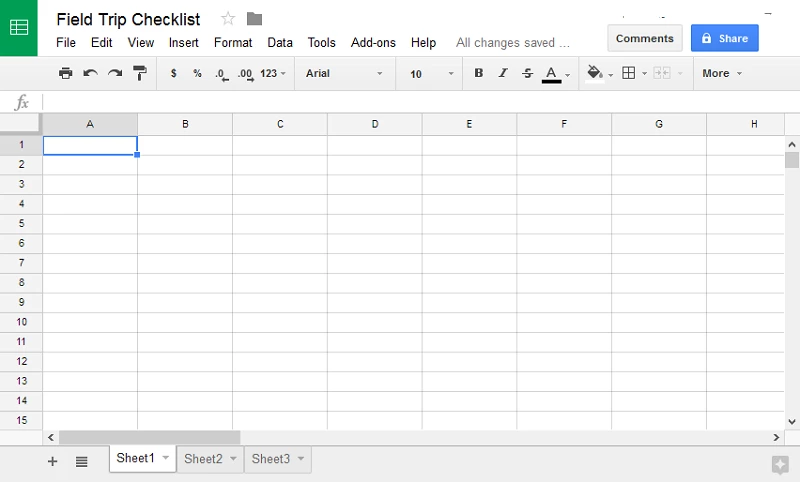
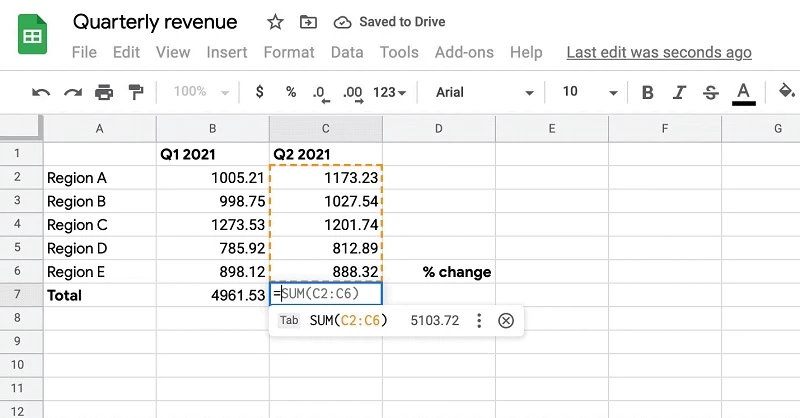
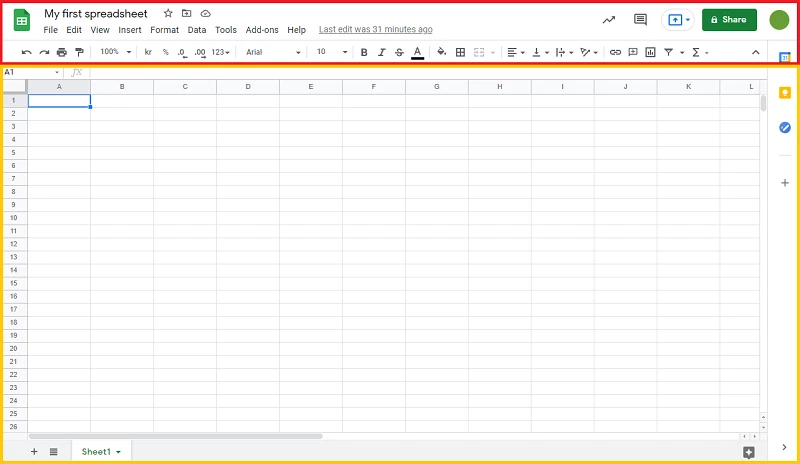
Google Sheets first appeared on 9 March 2006 and is now part of Google's set of online office apps next to Docs and Slides. It works like any spreadsheet: rows and columns, formulas, charts, filters and sorting. What sets it apart is that the file lives in the cloud. Several people can edit the same sheet at the same time and see each other's cursors, leave comments for colleagues and follow changes as they happen. That makes it popular for shared budgets, team schedules, sign-up lists, inventories and simple reports that many people need to update. On Windows you use it in Chrome, Edge, Firefox or another modern browser; you can also create a shortcut on the desktop or the taskbar so it opens like an app. Files can be imported from and exported to the formats of desktop spreadsheet programs, which helps when you exchange tables with people who work offline. For very large data sets or advanced modelling, desktop software is still stronger, but for everyday tables and teamwork Sheets is quick and costs nothing.
How to start on a PC
- Open the official page google.com/sheets/about and click to go to Sheets.
- Sign in with your Google account or create one for free.
- Start a blank spreadsheet, pick a template, or upload an existing file.
- Click Share to invite others, choosing whether they can view, comment or edit.
Requirements
You need a current web browser and a Google account. Nothing is installed on the PC, so there is no size to plan for; the files count against your Google account storage.
Safety and privacy
Protect your Google account with two-step verification, because it holds every spreadsheet you create. When you share, prefer named people to public links, and review sharing settings for sheets that contain personal or financial data. Be wary of emails that invite you to "view a shared sheet" but lead to a sign-in page that is not Google's.
Price
Google Sheets is free with a personal Google account. Businesses can choose paid Google Workspace plans with extra storage and administration tools.
Pros and cons
- Pro: free, with nothing to install.
- Pro: real-time collaboration and comments.
- Pro: files are available on any device.
- Con: needs a connection for most work.
- Con: very large workbooks run slower than in desktop software.
Alternatives
Other spreadsheet tools in our listings: Microsoft Excel, LibreOffice and WPS Office for desktop work. Developers can follow the Google Sheets API release notes.