
Microsoft Word
Microsoft Word for Android is the mobile version of Microsoft's word processor. This page covers build 16.0.20228.20090.
140.5 MB
1.26.351.01.90 · Google LLC · Page updated
Google Sheets is Google's free spreadsheet app with real-time collaboration. This page covers the Android app, version 1.26.351.01.90.
Average 0.0 · ratings: 0
Thank you! Your rating is saved; you can change it. Could not save the rating. Please try again later. Too many ratings from your network today. Please try again tomorrow. The average appears after 5 ratings.
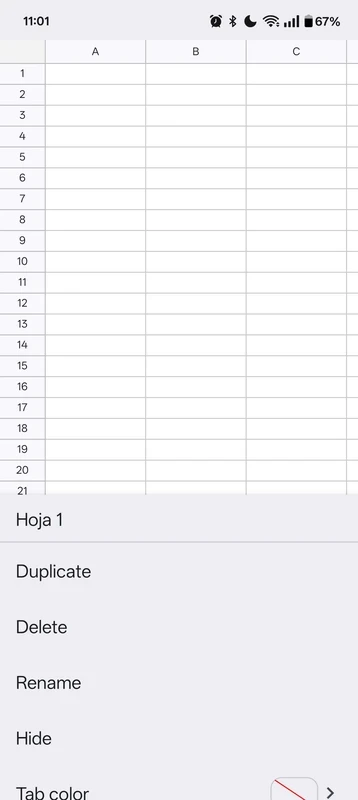
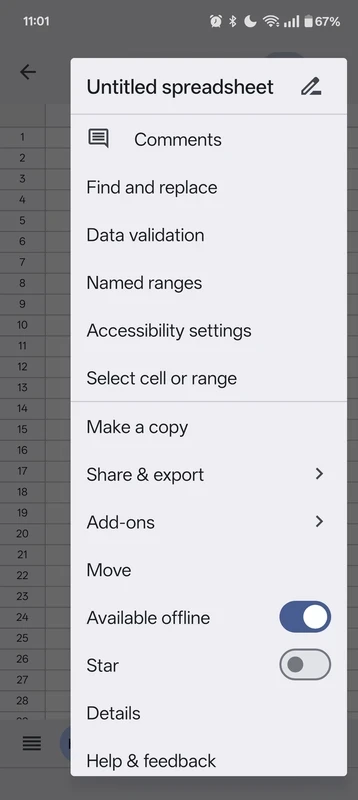
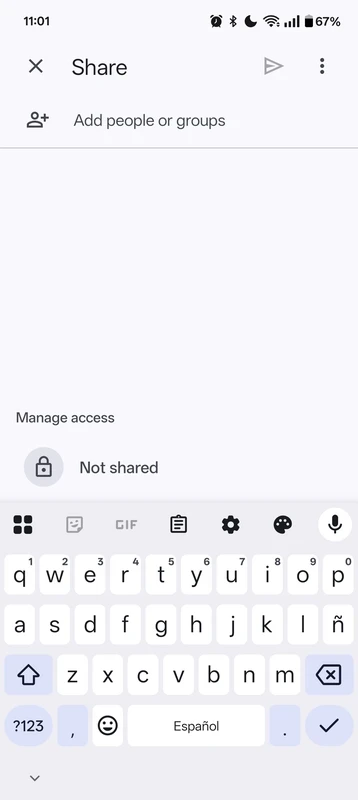
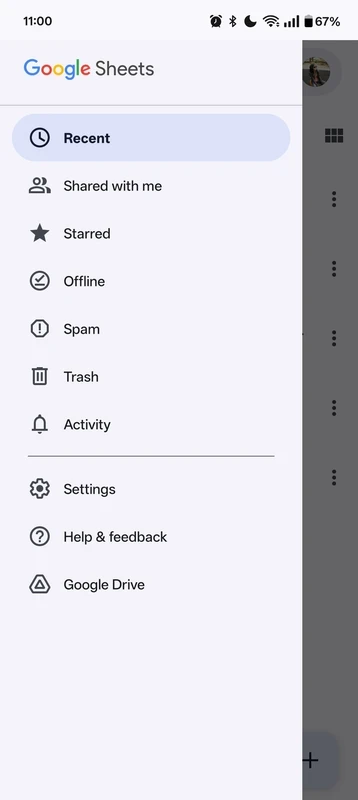
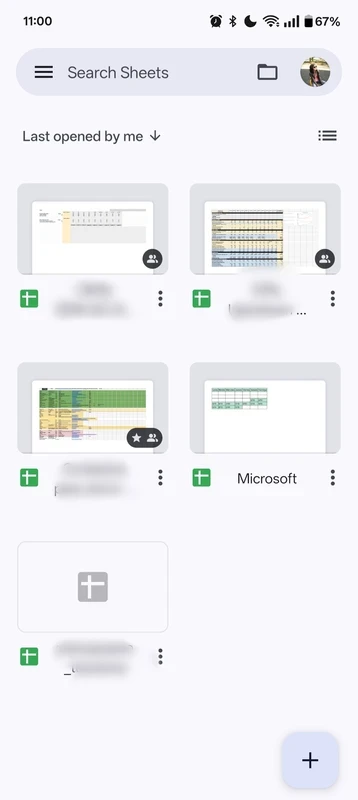
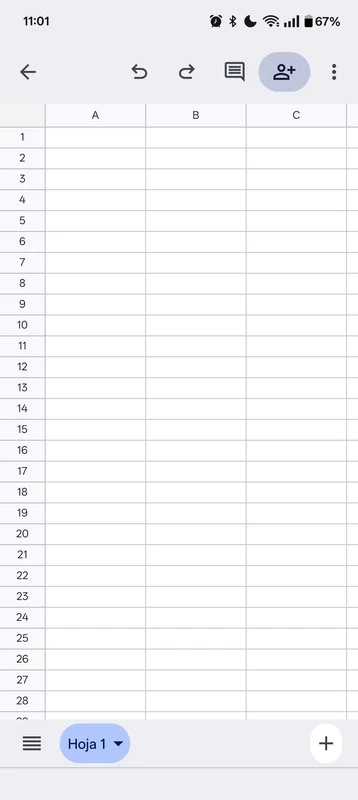
Google Sheets for Android, version 1.26.351.01.90, is the mobile app of Google's free, cloud-based spreadsheet. You can download it from Google Play to view, edit and share tables on your phone; below are answers to the questions people ask most.
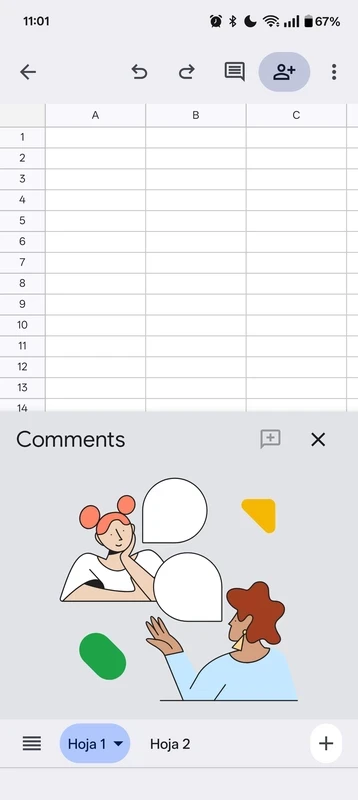
Google Sheets is a spreadsheet that stores files in your Google account instead of on the device. It first launched on 9 March 2006 and belongs to Google's online office apps. The Android app lets you open any sheet you own or that someone shared with you, enter data, write formulas, sort and filter columns and add simple charts. Because several people can work in one file at the same moment, it is a favourite for shared lists, budgets, schedules and logs: one person adds a row from the phone, another sees it immediately on a laptop. Comments let you ask questions about a cell without changing the data. On a small screen the app is at its best for quick updates and checks rather than building a complex model, which is easier to do later on a computer in the browser. Everything you change is saved to the account as you go, so there is no separate save step to forget.
Yes. The app and the service are free with a Google account. Businesses can pay for Google Workspace plans with extra storage and admin controls.
Google's help page explains how to create and edit files on Android.
The app is about 112.18 MB according to catalogue data. The spreadsheets themselves live in your Google account.
Yes, when installed from Google Play. Turn on two-step verification for your Google account, share sheets with named people rather than public links, and remove access for people who no longer need it.
Freeze the header row so column names stay visible, turn the phone sideways to see more columns, and use filters instead of scrolling through long lists. For bigger changes, open the same file in a browser on a computer.
Other office apps for Android in our listings: Microsoft Excel, Microsoft Office 365, Google Docs for text and Adobe Acrobat Reader for PDFs.
Microsoft Word for Android is the mobile version of Microsoft's word processor. This page covers build 16.0.20228.20090.

Adobe Acrobat Reader for Android is Adobe's free app for opening, reading, commenting on and signing PDF files on a phone or tablet.
Google Docs is Google's free word processor with real-time collaboration. This page covers the Android app, version 1.26.351.03.90.
Microsoft Excel for Android is Microsoft's spreadsheet app for phones and tablets. This page covers build 16.0.20228.20090.